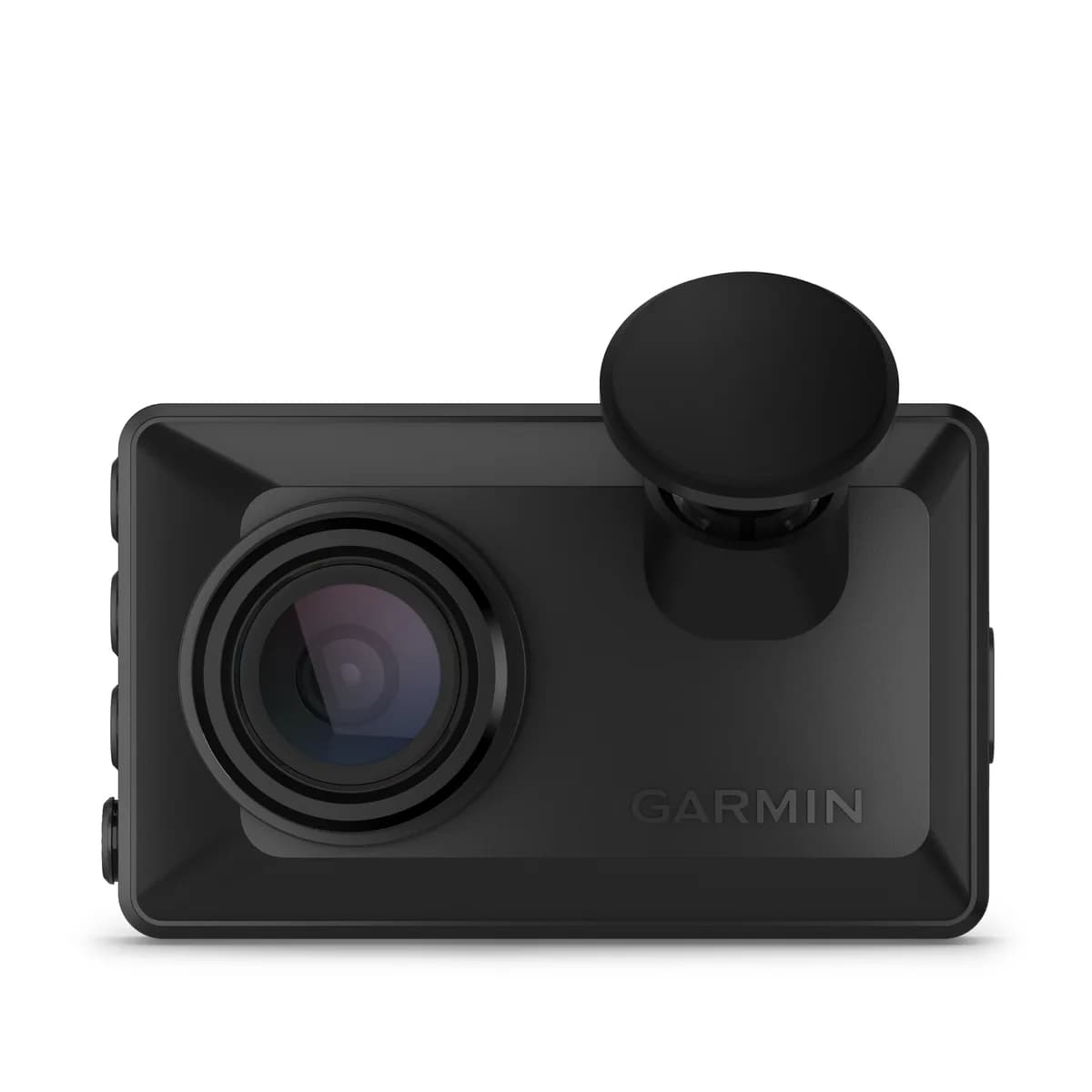
Garmin Dash Cam X110
No rating shown: we have no owner rating for this camera from a source we can cite. Why
Cheapest way into Garmin's X series, the X110 keeps the 2.4-inch display the X210 and X310 also carry. It records 1920x1080 at 30fps on the same 140-degree lens and behind the same built-in Clarity polarizer as its siblings, and it uses H.264 rather than the H.265 the higher models encode with. At 1080p across 140 degrees it samples about 14 horizontal pixels per degree, which is at the bottom of this catalog - this camera is for establishing what happened and who was where, not for reading a plate three cars ahead. That is a legitimate thing to buy, and the polarizer and voice control make it a nicer one to live with than most 1080p cameras. The caveats are the same as the rest of the series: lithium-ion power, a 140 degree Fahrenheit ceiling, one channel only, and 2.4GHz Wi-Fi rather than the 5GHz radios in the X210 and X310.
- Approx. price
- ~$200
- Hot car
- Li-ion battery
- Li-ion battery, rated to 140°F
- Parking tier
- Buffered
- Hardwire kit optional
A simple, well-made 1080p camera where the polarizer and the app matter more than resolution.
The description and the pros and cons above are written from published specifications, not from owner reports. Owner sentiment, where we have it, is in its own section below.
What the numbers mean here
The front camera records 1,920 horizontal pixels across a published 140-degree field of view, which is 13.7 pixels per degree — establishes the scene, not the plate. There is no rear channel on this model. How this is calculated, and what it does not tell you.
It runs on a li-ion battery. In a device stuck to a windshield that is the part most likely to fail in a hot climate, because a lithium cell in a car that reaches well over 140°F is outside its comfortable range. The maker publishes an operating range of -4°F to 140°F. Supercapacitors and heat.
Keeps a rolling buffer, so the seconds before an impact are saved as well as the impact itself. It is the most useful parking mode and the hungriest. The hardwire kit is a separate purchase, which is the line item people forget when budgeting. What each parking mode records.
Specifications
Manufacturer-published figures, recorded from Garmin’s own product page and a specialist retailer’s spec table. Fields the maker does not publish are omitted rather than guessed.
- Type
- Single-channel
- Channels
- 1
- Front resolution
- 1080p
- Front frame rate
- 30fps
- Front field of view
- 140° (as published)
- HDR
- HDR
- Power cell
- Li-ion battery
- Operating temperature
- -4°F to 140°F
- Parking modes
- buffered, motion
- Hardwire kit
- optional
- GPS
- built-in
- Wi-Fi
- 2.4 GHz
- LTE / cloud
- None
- Max storage
- 512GB microSD
- CPL filter
- included
- Screen
- 2.4-inch
- Voice control
- Yes
- Form factor
- wedge
- Mount
- adhesive
- Release year
- 2025
Features
- 1920x1080 at 30fps on a 140-degree lens
- Built-in Clarity polarizing filter
- 2.4-inch display on the camera body
- Voice control and built-in GPS
- microSD to 512GB
- Parking guard with the optional constant-power cable
Where it is strong
- A built-in polarizer on a two-hundred-dollar camera, which only Garmin and Nextbase offer here
- A screen on the body, so aiming does not need a phone
- Voice control and GPS, both of which usually disappear at this price
- 1080p files are small enough that a 512GB card records for a very long time
Where it gives way
- About 14 px per degree - the joint-lowest density here, so plates at distance are not coming back
- 2.4GHz Wi-Fi only, unlike the 5GHz radios in the X210 and X310
- Lithium-ion power rated to 140 degrees Fahrenheit
- H.264 rather than H.265, so files are larger than the resolution suggests
- Two hundred dollars buys a 4K two-channel kit from several other brands here
What owners say
Summarised from public owner discussion. Nothing here is our own testing.
Owners of this $200 Garmin mostly run it as a plain front recorder and share what it catches: red-light runners swerving mid-intersection and a car squeezing past a semi on an exit ramp. Shoppers weigh it against Garmin's own Mini 3, and the usual plan for rear coverage is an X110 up front with a Mini 3 synced behind, since Garmin's sync app handles up to four cameras.
Phone pairing is where most owner trouble sits. In cars with wireless CarPlay or built-in Wi-Fi, the camera's own network loses out, and Garmin's fix for one owner was to disable CarPlay on the phone each time, and an Android Auto owner found a Wi-Fi prompt blocking playback even after a factory reset. Separate single reports cover playback freezing in the app and a locale setting that does not survive a shutdown.
Hardwiring is the other recurring topic. One owner went through the OBD port with Garmin's constant-power cable, another spliced into a fuse circuit and lost charging, a third was fitting a Dongar mirror-tap adapter, and the official parking cable was out of stock in late 2025. One buyer eyeing a $90 sale price was steered toward Viofo front-only cameras such as the A119 V3 instead, on the grounds of its built-in battery and undisclosed sensor.
What owners like
- Garmin's sync app links up to four of its cameras, which is how buyers wanting rear coverage plan to pair a Mini 3 at the back with an X110 up front.
- Garmin's constant-power cable plugs straight into the OBD port, and one owner with an older car and battery keeps Parking Guard to a 10-minute window.
- In a car without wireless CarPlay, one owner running two X110s had no trouble opening live view or reviewing clips from a phone.
Common complaints
- Wireless CarPlay and in-car Wi-Fi fight the camera for the phone's connection: one owner with two X110s could reach live view and saved clips only in the car without them, and Garmin's fix was to disable CarPlay on the phone each time.
- Android Auto drivers hit the same wall: one owner found a Wi-Fi prompt blocking playback even after a factory reset of the camera.
- Browsing saved footage in the app needs a live link to the powered camera, so one owner could not review earlier clips without the car running.
- One recent buyer saw app playback stall every few seconds, phone exports that never completed, and short freezes when replaying clips on the camera screen itself.
- Garmin's own USB-C parking cable was sold out when one owner went to hardwire a Jeep in late 2025, leaving third-party kits as the fallback.
- One owner who needs metric settings found the camera reverting to the US locale every time it shut down.
- Splicing power is fiddly: the supplied cable's ground wraps around the power lead, and after one owner spliced it into a shared circuit the camera showed a charge icon but drained its battery.
What owners of the Garmin Dash Cam X110 ask
Why can't my phone connect to the X110 while CarPlay is running?
Can the X110 record the rear of the car?
What are the options for hardwiring the X110 for parking mode?
Can I watch X110 recordings without the camera switched on?
Compare the Dash Cam X110
Similar cameras
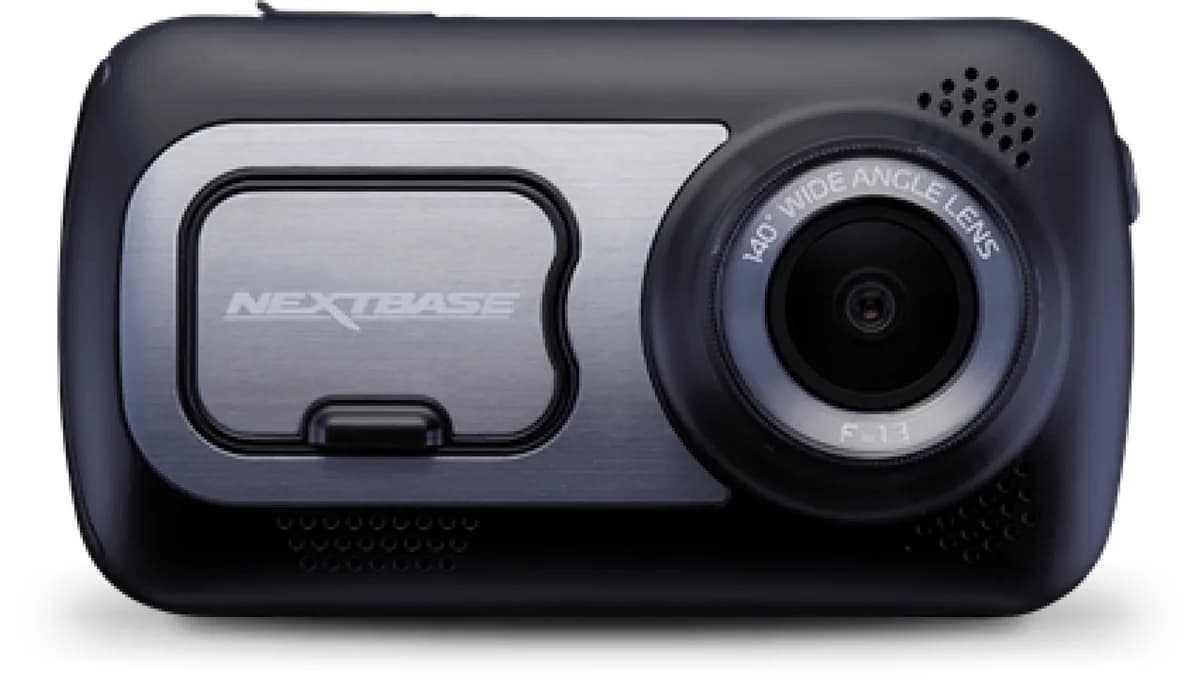
Nextbase 522GW
- Front px/°
- 18.3
- Front
- 1440p/30
- 140° lens
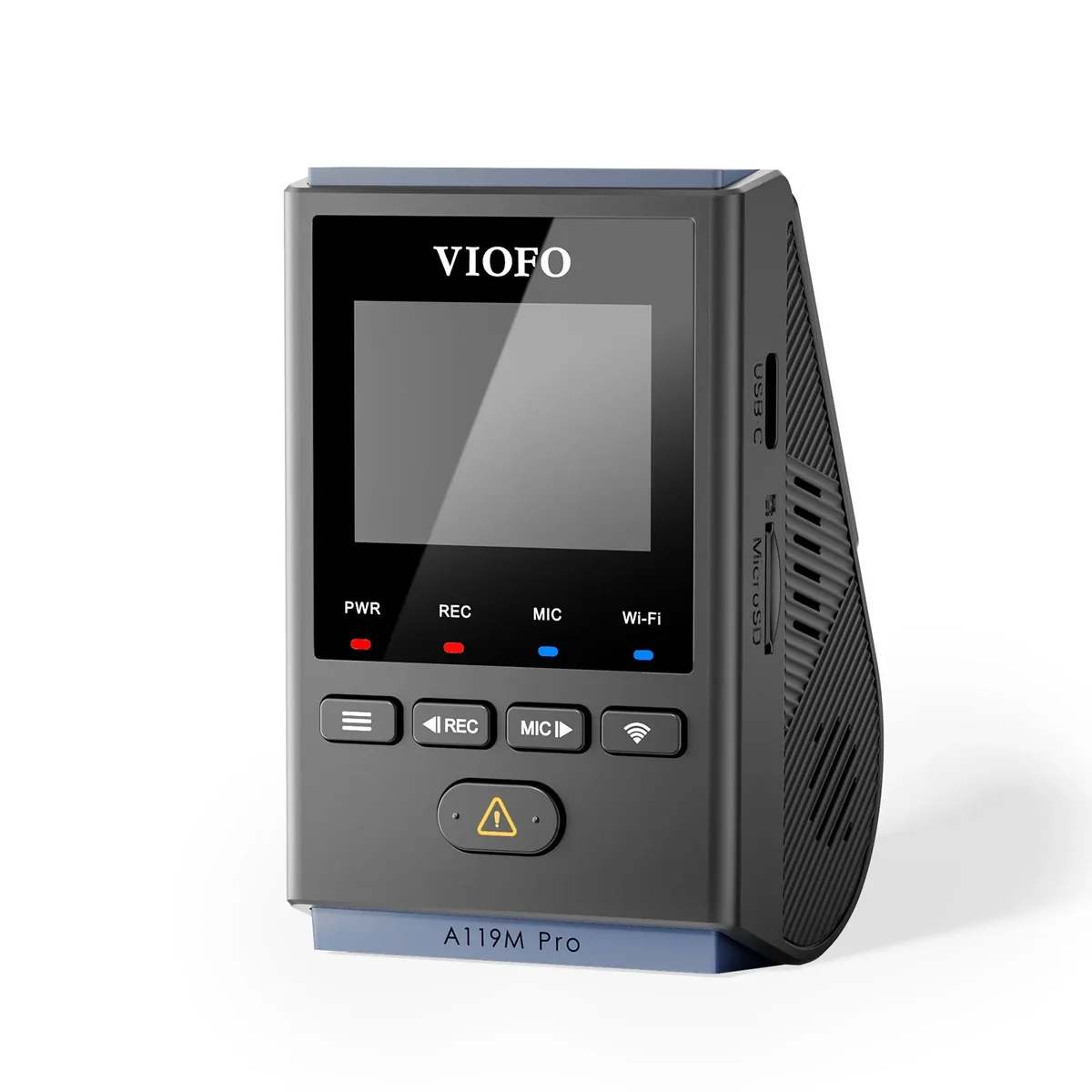
Viofo A119M Pro
- Front px/°
- 27.4
- Front
- 2160p/30
- 140° lens
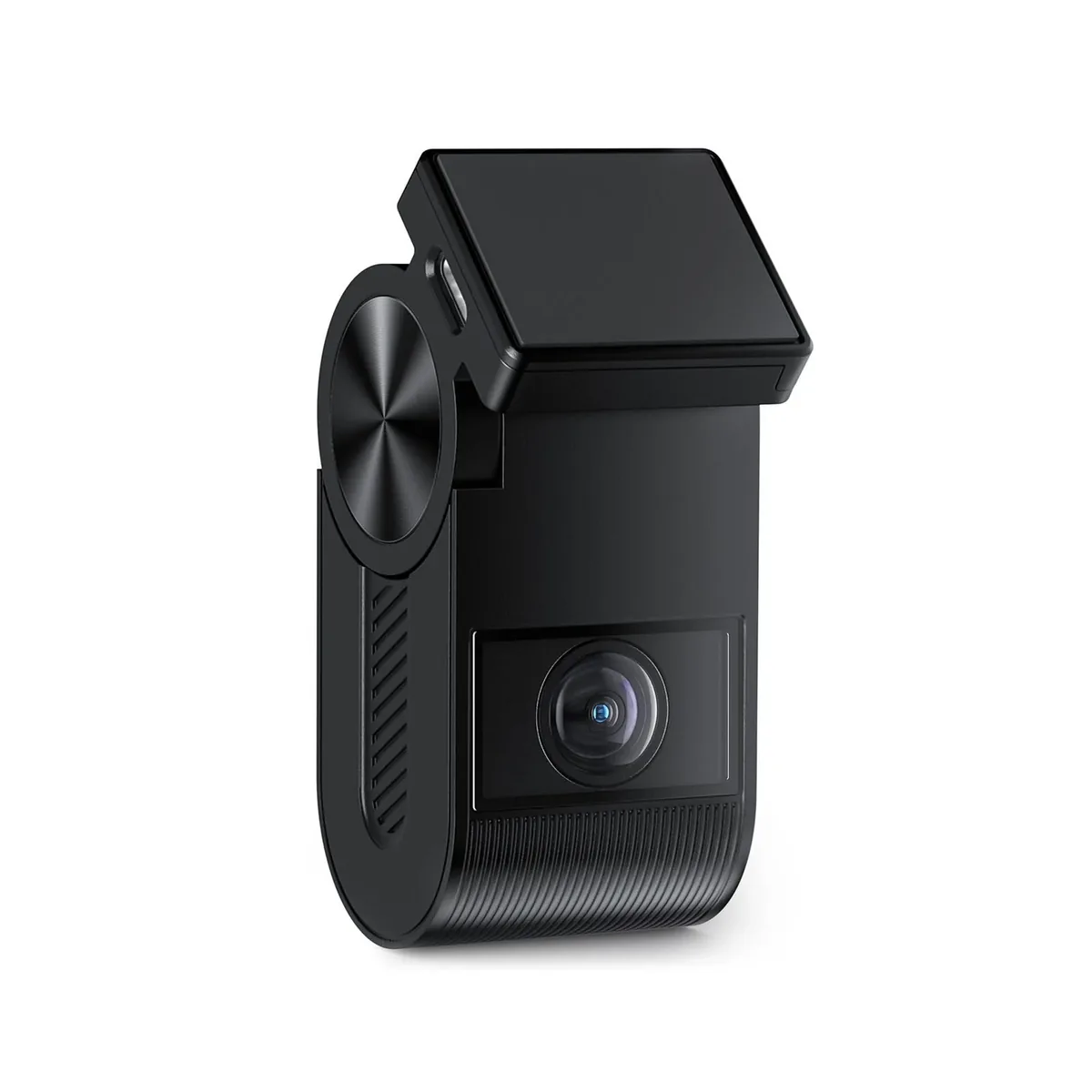
Viofo VS1 Mini
- Front px/°
- 18.3
- Front
- 1440p/30
- 140° lens