Garmin Dash Cam X310
No rating shown: we have no owner rating for this camera from a source we can cite. Why
Garmin's X310 is the top of the X series and the one thing it does that almost nobody else does is put a polarizing filter inside the camera. Every other manufacturer here sells a CPL as a thirty-dollar screw-on accessory that you have to remember to rotate correctly; Garmin builds it in, and the practical result is that dashboard reflections and windshield glare are dealt with by default rather than by an owner who eventually gets round to it. The camera records 3840x2160 at 30fps on a 140-degree lens, which is a narrow field of view for 4K and gives the second-highest pixel density in this catalog at about 27 per degree. Voice control, GPS, 5GHz Wi-Fi and Garmin's phone app come standard. The significant caveat is power: this is a lithium-ion camera, not a supercapacitor one, and Garmin rates it only to 140 degrees Fahrenheit. In a car that bakes in a summer parking lot, that is a meaningful difference from the 149 and 176 degree ratings elsewhere here.
- Approx. price
- ~$400
- Hot car
- Li-ion battery
- Li-ion battery, rated to 140°F
- Parking tier
- Buffered
- Hardwire kit optional
A garage-parked car where a built-in polarizer and Garmin's app matter more than heat tolerance.
The description and the pros and cons above are written from published specifications, not from owner reports. Owner sentiment, where we have it, is in its own section below.
What the numbers mean here
The front camera records 3,840 horizontal pixels across a published 140-degree field of view, which is 27.4 pixels per degree — plate-legible at distance. There is no rear channel on this model. How this is calculated, and what it does not tell you.
It runs on a li-ion battery. In a device stuck to a windshield that is the part most likely to fail in a hot climate, because a lithium cell in a car that reaches well over 140°F is outside its comfortable range. The maker publishes an operating range of -4°F to 140°F. Supercapacitors and heat.
Keeps a rolling buffer, so the seconds before an impact are saved as well as the impact itself. It is the most useful parking mode and the hungriest. The hardwire kit is a separate purchase, which is the line item people forget when budgeting. What each parking mode records.
Specifications
Manufacturer-published figures, recorded from Garmin’s own product page and a specialist retailer’s spec table. Fields the maker does not publish are omitted rather than guessed.
- Type
- Single-channel
- Channels
- 1
- Front resolution
- 2160p
- Front frame rate
- 30fps
- Front field of view
- 140° (as published)
- HDR
- HDR
- Power cell
- Li-ion battery
- Operating temperature
- -4°F to 140°F
- Parking modes
- buffered, motion
- Hardwire kit
- optional
- GPS
- built-in
- Wi-Fi
- 5 GHz
- LTE / cloud
- None
- Max storage
- 512GB microSD
- CPL filter
- included
- Voice control
- Yes
- Form factor
- wedge
- Mount
- adhesive
- Release year
- 2025
Features
- 3840x2160 at 30fps on a narrow 140-degree lens
- Built-in Clarity polarizing filter - no screw-on CPL to buy or align
- Voice control, built-in GPS, 5GHz Wi-Fi
- Parking guard with the optional constant-power cable
- microSD to 512GB
- H.265 recording to keep file sizes down
Where it is strong
- The integrated polarizer removes the single most common cause of unusable dash cam footage without an accessory purchase
- 140 degrees at 4K gives about 27 horizontal pixels per degree, near the top of this catalog
- Voice control, 5GHz Wi-Fi and a polished phone app - Garmin's software is the most finished here
- H.265 encoding means 4K files that a 512GB card can actually hold
Where it gives way
- Lithium-ion power rather than a supercapacitor, in a device that lives on a windshield - this is the main reason not to buy it for a hot climate
- Rated only to 140 degrees Fahrenheit, the joint-lowest ceiling here
- Single channel with no rear option in the X series
- Expensive for one camera - several 4K two-channel kits here cost less
- Garmin does not publish the image sensor part number
What owners say
Summarised from public owner discussion. Nothing here is our own testing.
Owners arrive at the X310 from the opposite direction to most of this catalog: not because of the sensor, but because they are tired of dash cam software. The complaint that pushes people here is having to join a camera's private Wi-Fi network just to look at a clip, and Garmin's app and cloud vault are the answer they are looking for. On a car with its own Wi-Fi hotspot the camera uploads on its own, which is the least-hassle setup anyone describes.
The irony is that Wi-Fi is also where the criticism lands. Owners describe the transfer speeds as poor despite the 5GHz radio, and the Garmin Drive app sometimes will not connect at all, even with the app open on the phone. Neither is fatal, but both undercut the reason people chose it.
Two practical notes: no memory card is included, and the camera powers off completely when the car does unless you buy the constant-power cable. Owners who wanted parking coverage and did not buy the cable discover this the hard way.
What owners like
- Owners frustrated with having to join a camera's own Wi-Fi network to see footage point at Garmin as the brand that handles this better
- Cars with a built-in Wi-Fi hotspot let the X310 upload to Garmin's vault automatically, which owners describe as the setup with the least hassle
- Garmin's app and interface draw consistent praise from owners who have used the alternatives
- It stops recording and powers fully off when the car is switched off unless you fit the constant-power cable, which owners worried about battery drain find reassuring
Common complaints
- Wi-Fi transfer speeds draw blunt criticism from owners despite the 5GHz radio
- The Garmin Drive app sometimes will not connect to the camera even with the app in the foreground on the phone
- No card is included, and owners have to work out which endurance card to buy on their own
- Parking coverage needs the constant-power cable as a separate purchase, which is not obvious from the listing
What owners of the Garmin Dash Cam X310 ask
Do I need the constant-power cable?
Why are the Wi-Fi transfers so slow?
What memory card do I need?
Is the built-in polarizer worth it?
Compare the Dash Cam X310
Similar cameras
Garmin Dash Cam X210
- Front px/°
- 18.3
- Front
- 1440p/30
- 140° lens
Garmin Dash Cam X110
- Front px/°
- 13.7
- Front
- 1080p/30
- 140° lens
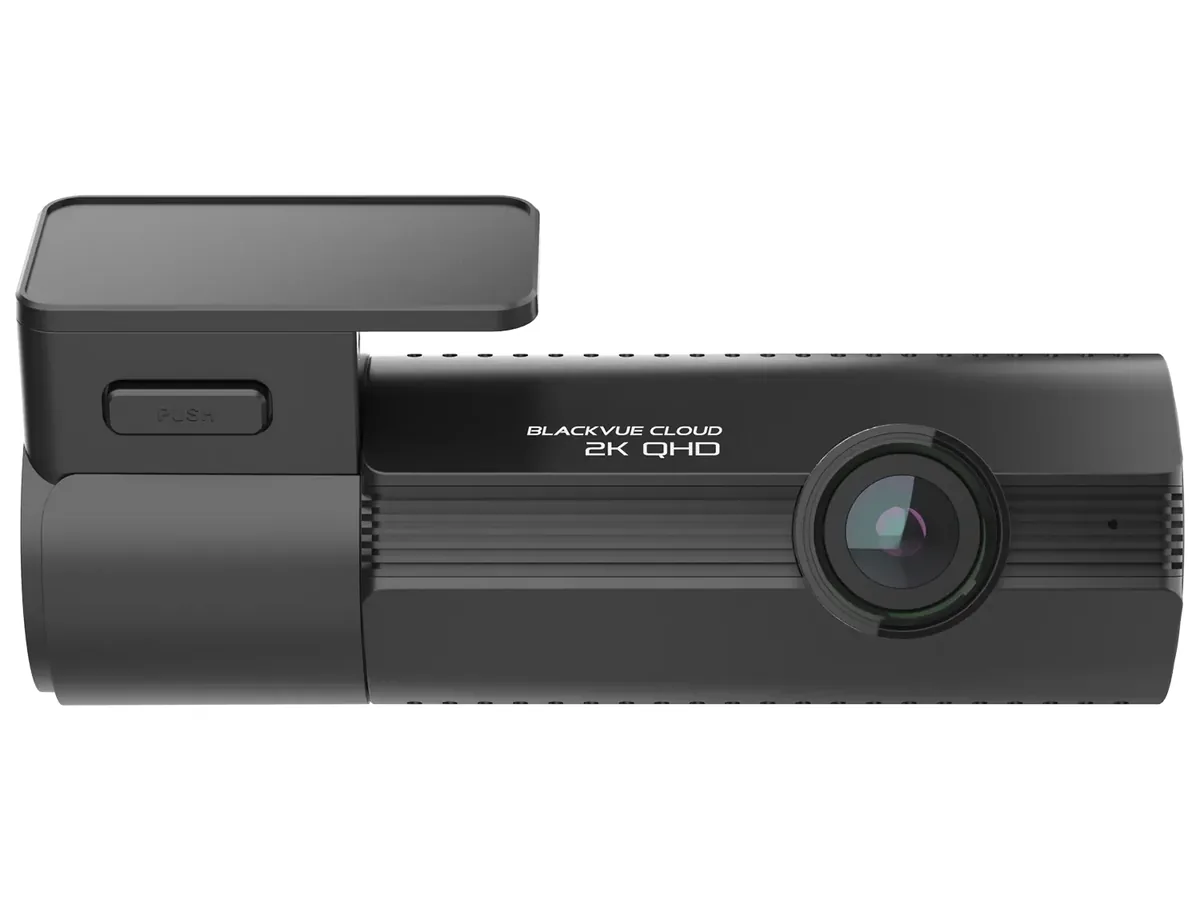
BlackVue Elite 8 1CH
- Front px/°
- 18
- Front
- 1440p/30
- 142° lens